TAMX
A pocket-sized ESP32 handheld in a Tamagotchi shell — Wi-Fi tools, an on-device AI chat, a graphing calculator, games and a PowerPoint remote.
- esp32
- cpp
- embedded
- hardware
- groq
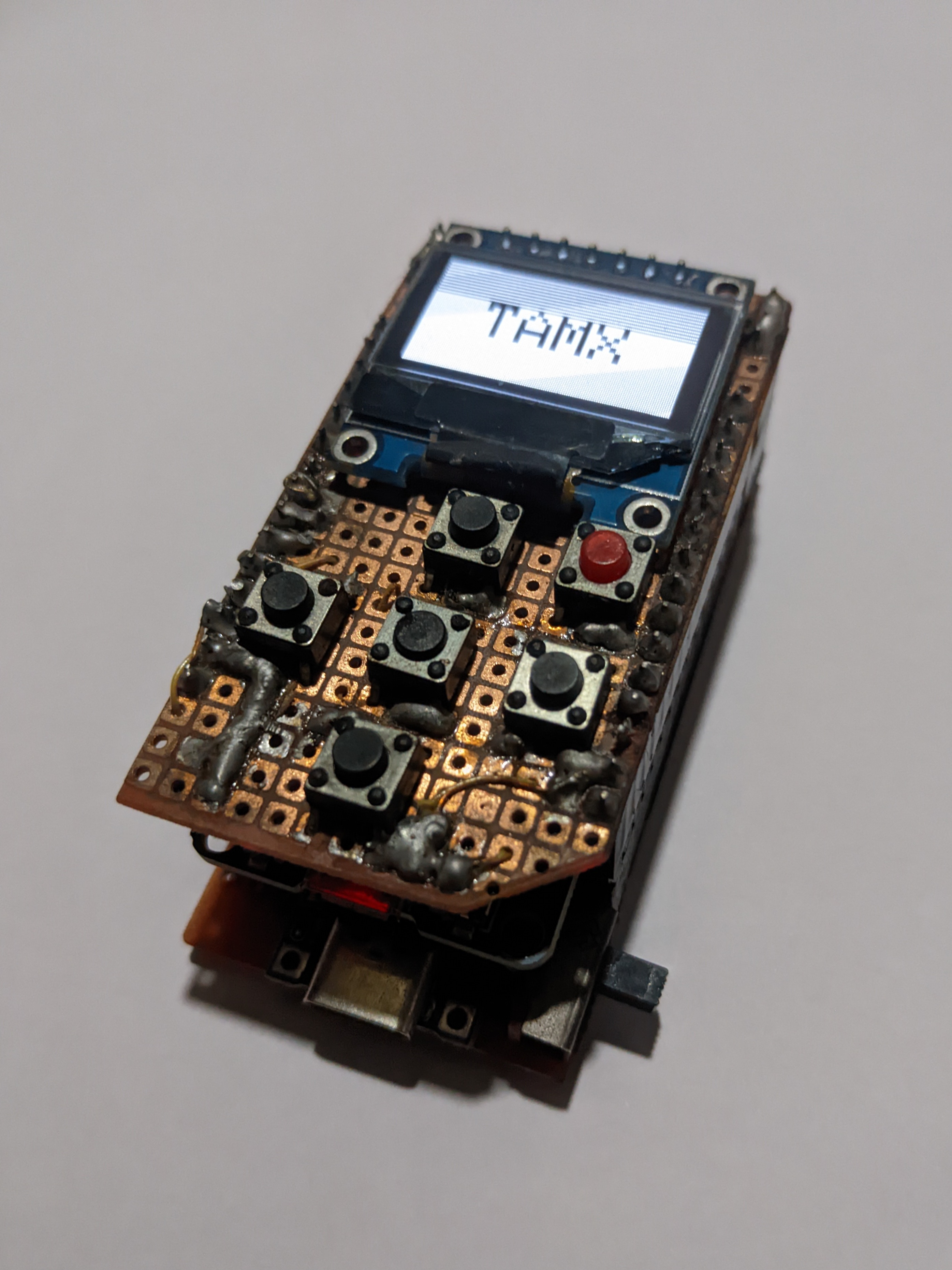
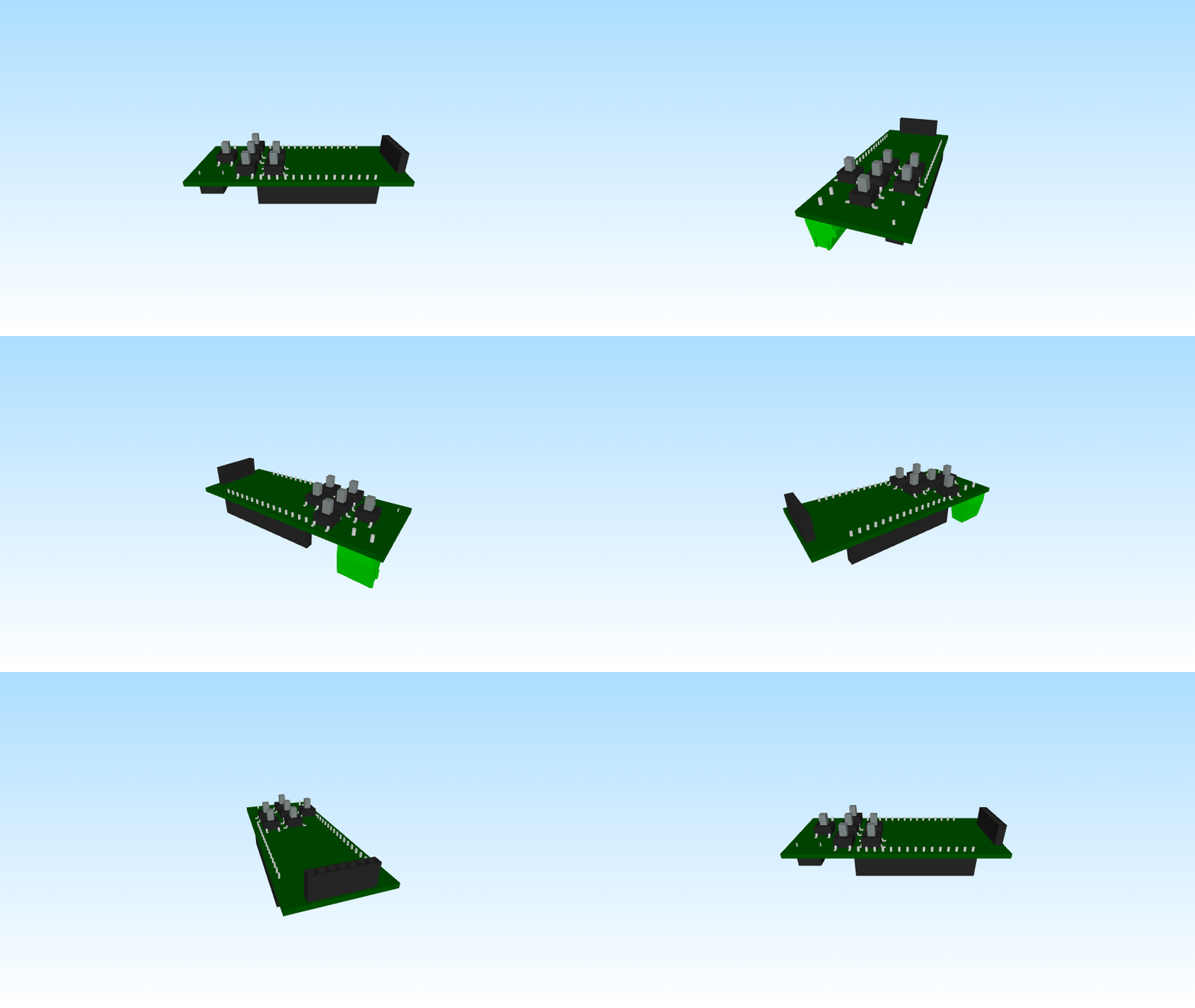
A handheld I designed, built and wrote from scratch: an ESP32, a 1.3" SSD1306 OLED, six tactile switches, a LiPo cell and a Tamagotchi-sized case. It scans Wi-Fi, talks to an LLM, plots functions, plays Snake, and drives a laptop slideshow.
What it does
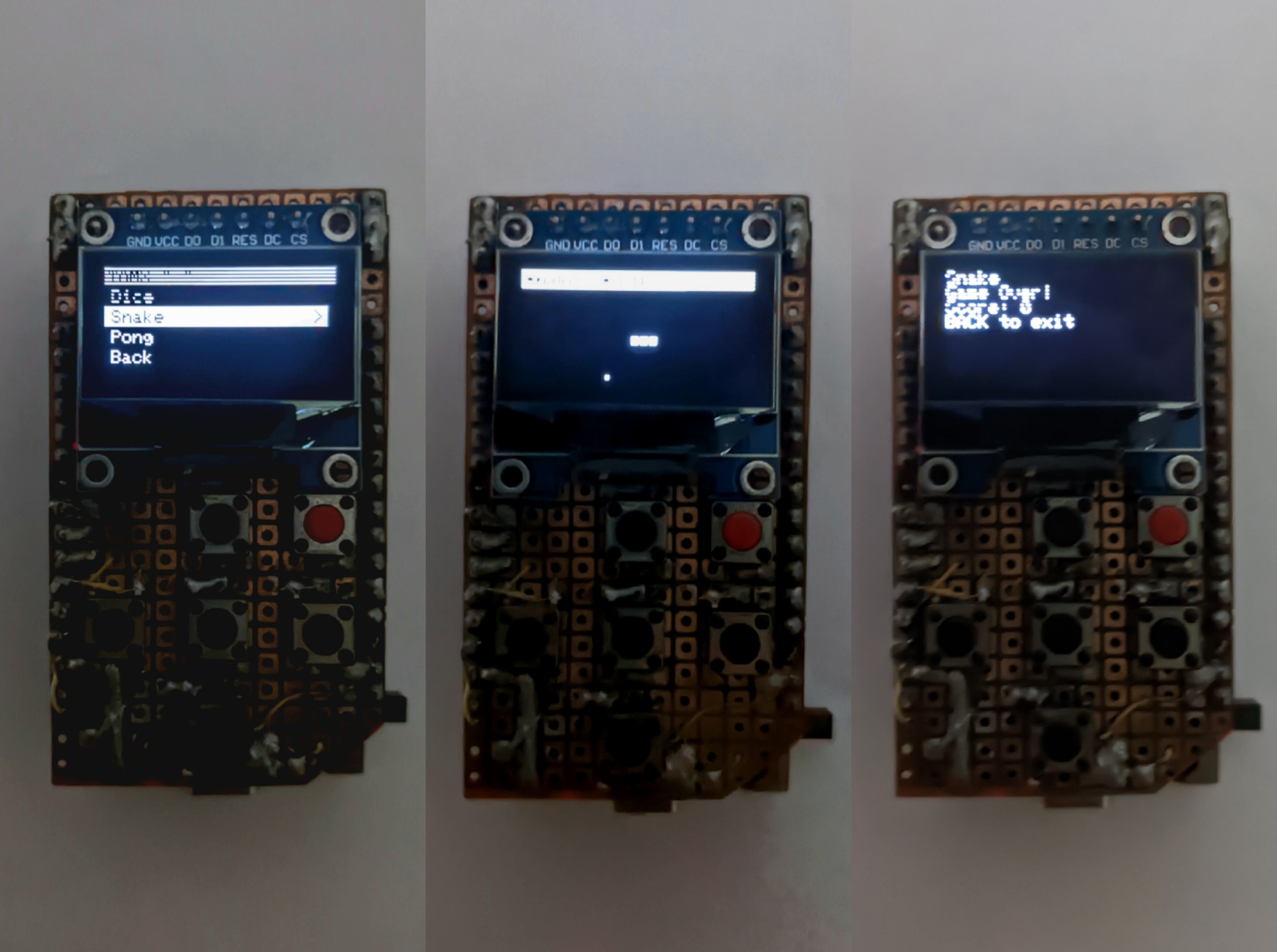
- Wi-Fi tools — scan networks, watch packets per second live, broadcast test beacons.
- AI chat — Groq
llama-3.1-8b-instantover Wi-Fi, typed on a virtual QWERTY keyboard drawn on a 128×64 display. - Calculator — full expressions, 2×2 linear and quadratic solvers, and a
y = f(x)graph plotter. - Space news — live headlines from the Spaceflight News API.
- Games — Snake, Pong, Dice.
- PPT remote — control PowerPoint on a laptop over Wi-Fi, driven by a small
Python server in
extensions/tamx_ppt_remote.
How it is built
A single Arduino sketch running a state-driven menu system. loop() delegates to
menuController(), which renders the active screen and dispatches button presses
to per-feature handlers. Every feature is a self-contained module with its own
draw and input functions, so adding one never touches the others.
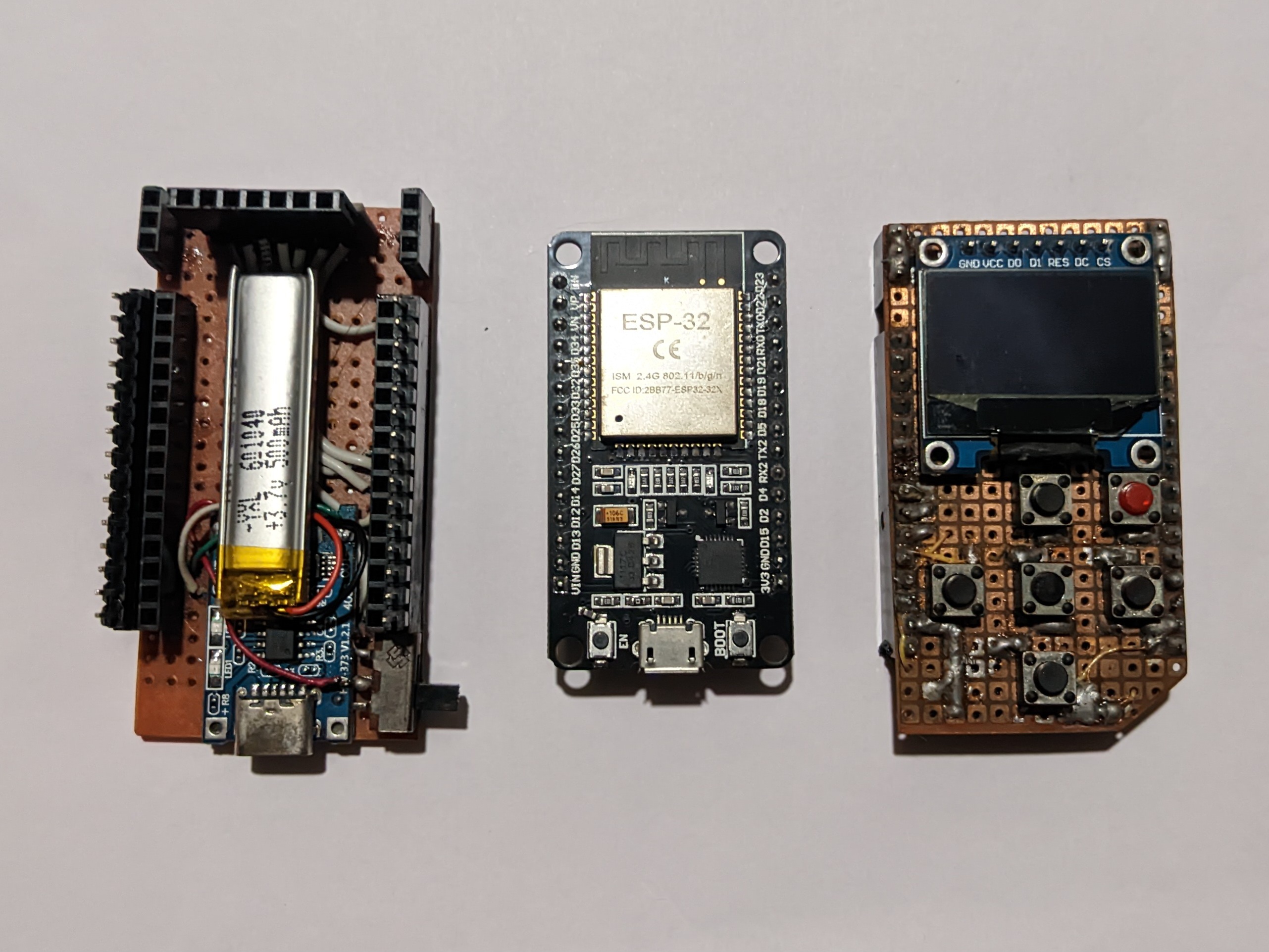
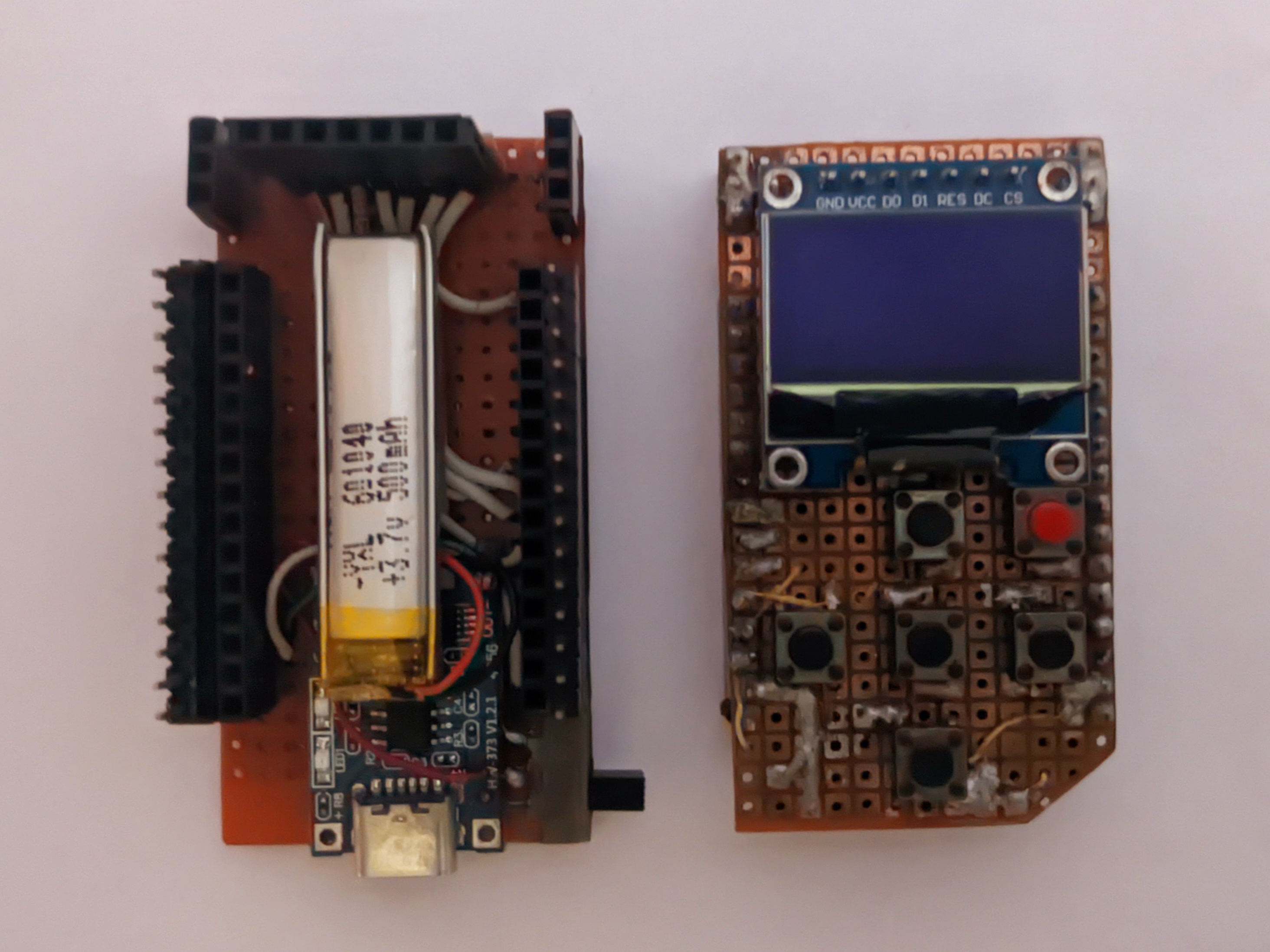
The case is built in layers, so the battery can be swapped or the buttons re-routed without reprinting the whole shell.
Wiring
SSD1306 on SPI — MOSI 23, CLK 18, DC 17, CS 5, RST 16. Six buttons pulled up internally: up 25, down 13, left 14, right 26, select 12, back 27.
Controls
| Button | Action |
|---|---|
| Up / Down | Scroll menus |
| Left / Right | Page scroll, change value |
| Select | Enter / confirm |
| Back | Cancel, go back |
What I learned
Constraints are the design. Fitting a usable keyboard and a readable graph plotter into 128×64 pixels taught me more about interface design than any web project has — every pixel has to earn its place, and every state transition has to be reversible with one button.
C++ · Arduino · ESP32 · SSD1306 (SPI) · Groq API